
Is mykyta Record free?
Yes. The extension is free to use and does not add a watermark to recordings.
Record a Chrome tab, window or screen with audio. The video is processed and saved on your device, without an account, cloud upload or watermark.
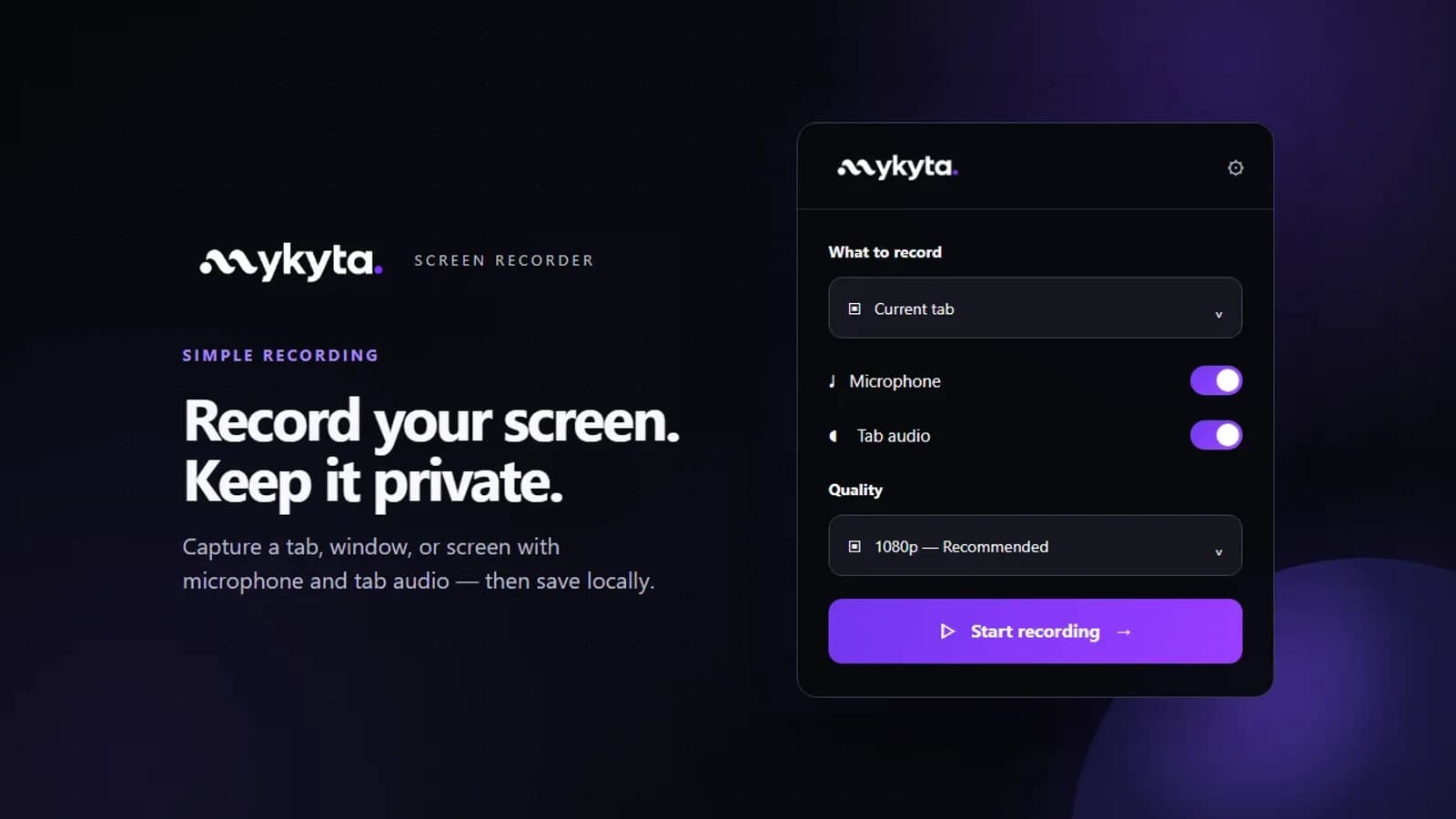
For bug reports, lessons and demos when you want a video file on your computer instead of an online workspace.
A quick screen recording should not require registration or sending your screen and voice to a server.
mykyta Record captures the source you choose, lets you control microphone and shared audio, and saves the finished recording locally. The extension does not collect analytics.
Free to use, with no account or watermark.
Recording and audio processing happen on your device; the extension does not upload your video.
Record a tab, window or screen and save MP4 when Chrome supports it, or WebM otherwise.
Choose 1080p, 2K or 4K and 30 or 60 FPS when your source and device support it.
Use the free Voice PRO option to reduce background noise picked up by your microphone.
Choose the current tab or select a tab, window or screen in Chrome.
Set microphone and shared audio, then choose a save folder once.
Record, pause or resume, and keep each finished video on your device.
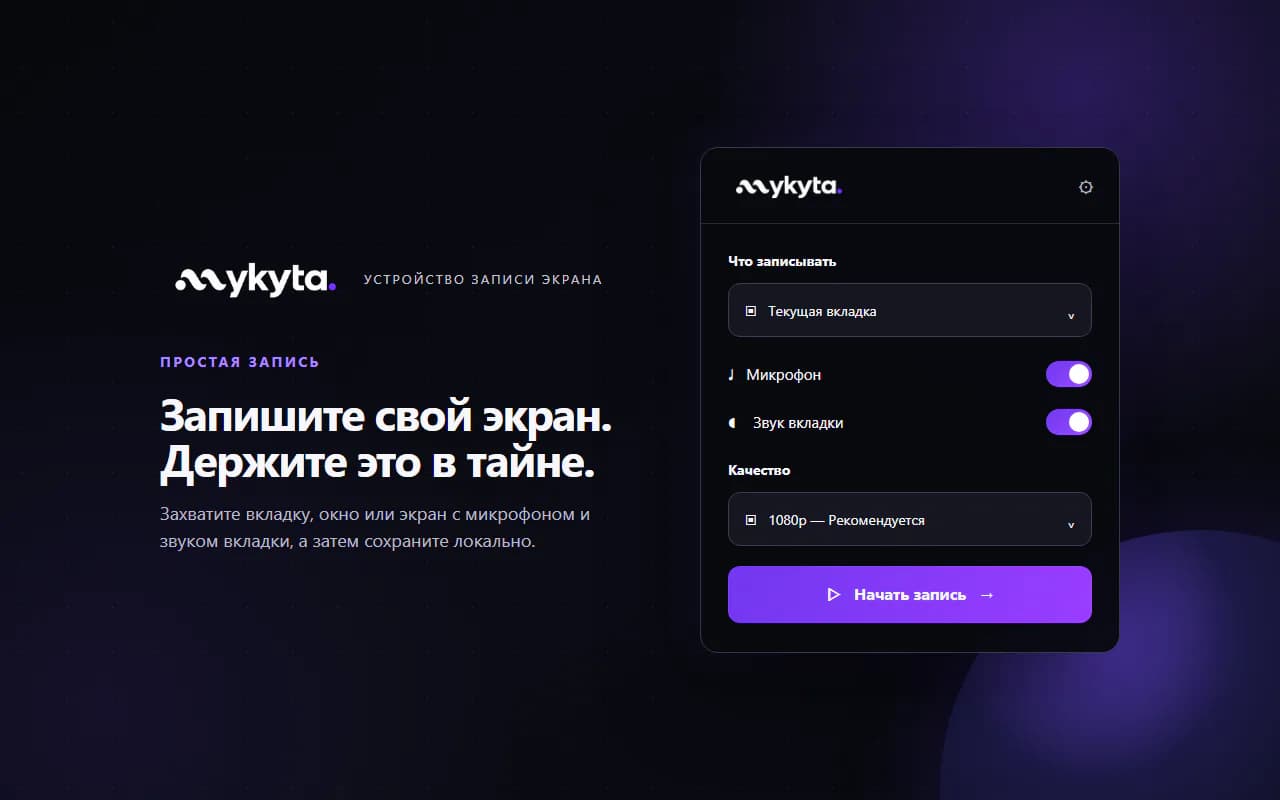
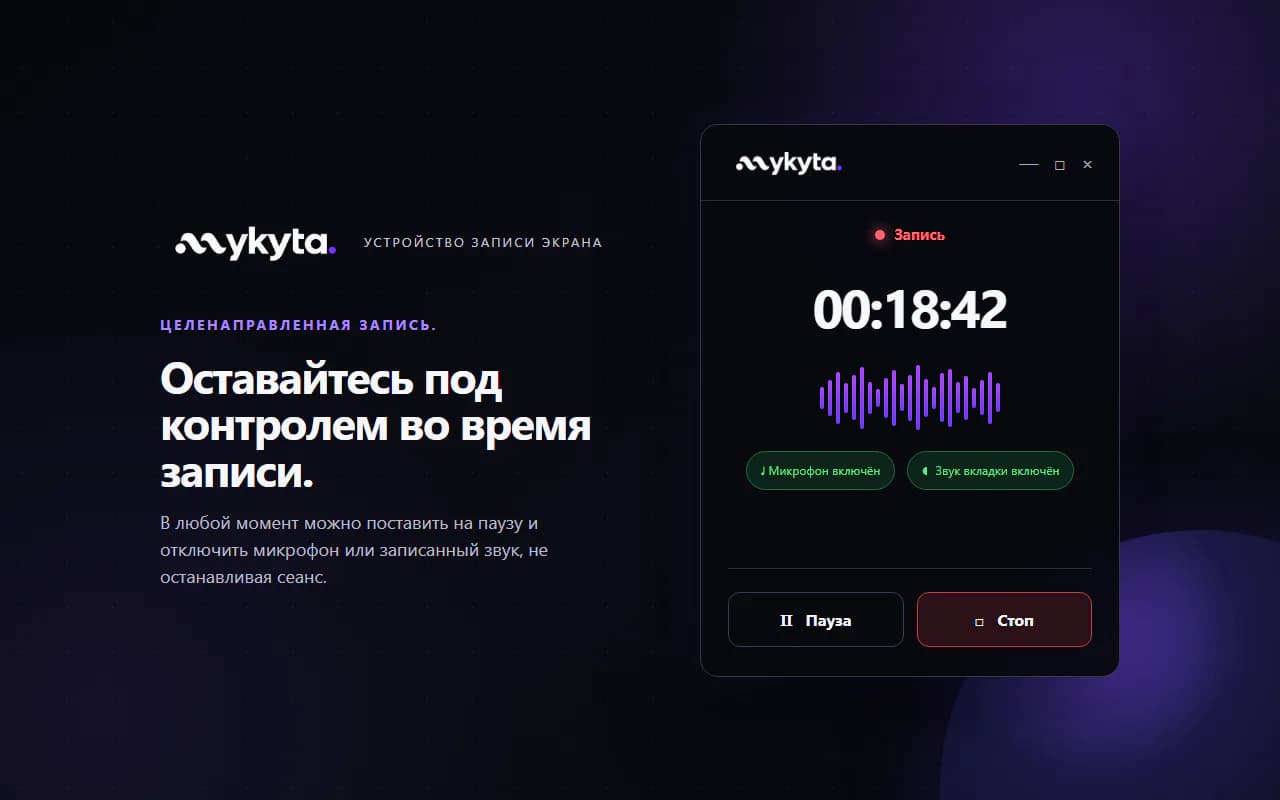
The extension is available in the Chrome Web Store. Chrome asks you to choose a window or screen before capture. MP4 depends on the browser's codec support; WebM is the fallback.
Yes. The extension is free to use and does not add a watermark to recordings.
No. You can record without registering or signing in.
The extension processes and saves it locally on your device. It does not upload your recording or audio to mykyta.app or a cloud service.
No. The extension has no analytics or advertising trackers. The mykyta.app website is a separate service with its own privacy notice.
Chrome uses MP4 when the required codec is available; otherwise the recorder saves WebM. Available audio also depends on the source you select in Chrome.

mykyta Record is now available in the Chrome Web Store. It records a tab, window, or screen with audio and saves the video locally. But a cold Product Hunt launch reached position 264 and created no audience. Here are the product, the evidence, and the lesson without a victory filter.

Capture a Chrome tab, window, or screen with microphone and tab audio, pause when needed, and keep the video file locally. Here is the path from the first prototype to a Chrome Web Store draft being prepared for review.